> For the complete documentation index, see [llms.txt](https://docs.opsmx.com/llms.txt). Markdown versions of documentation pages are available by appending `.md` to page URLs; this page is available as [Markdown](https://docs.opsmx.com/ssd/security-risk-and-prioritization/user-guide/view-security-posture/application-security-posture/integrations.md).
# Integrations
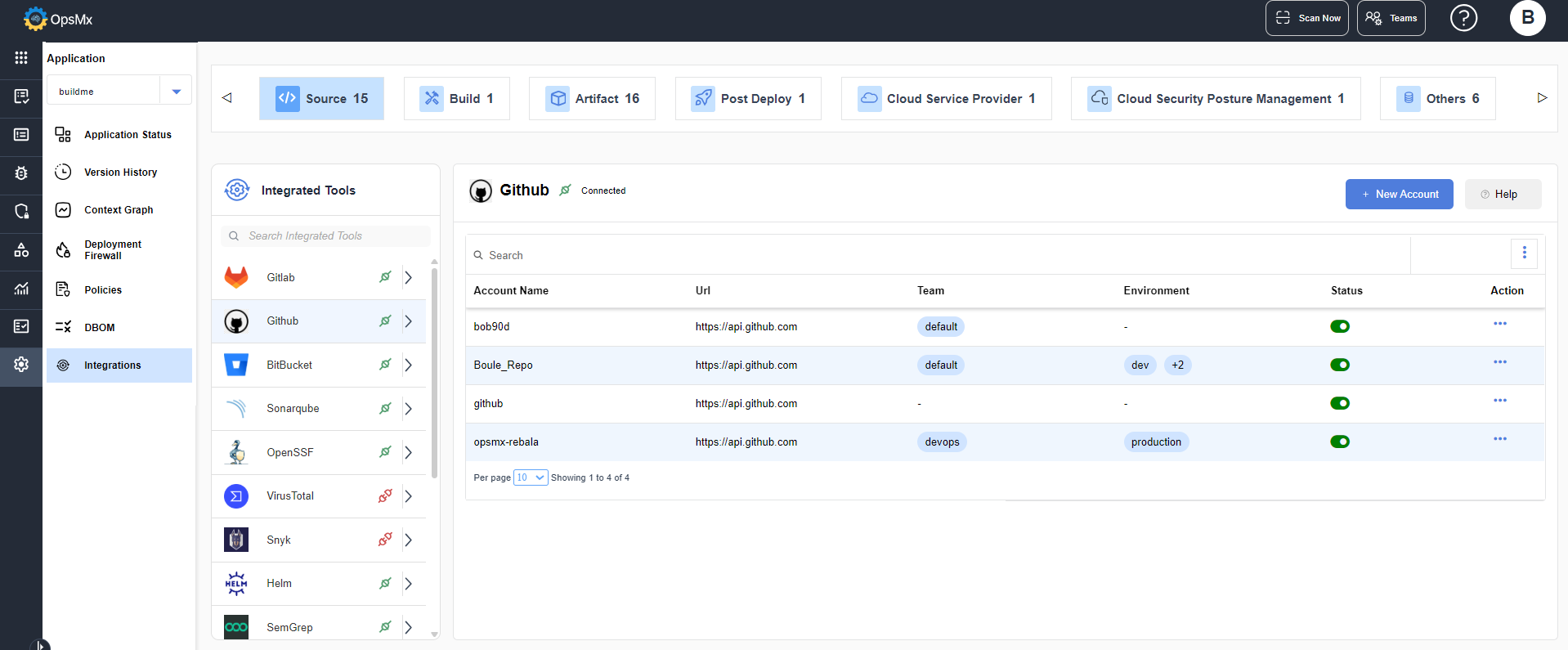
The Integrations page displays the list of all the available integrated tools for the selected application. The top panel displays the number of Source, Build, Artifact, Post Deploy, Cloud Service Provider, Cloud Security Posture Management and Other tools.
On clicking each tab the available tools are displayed as shown below:
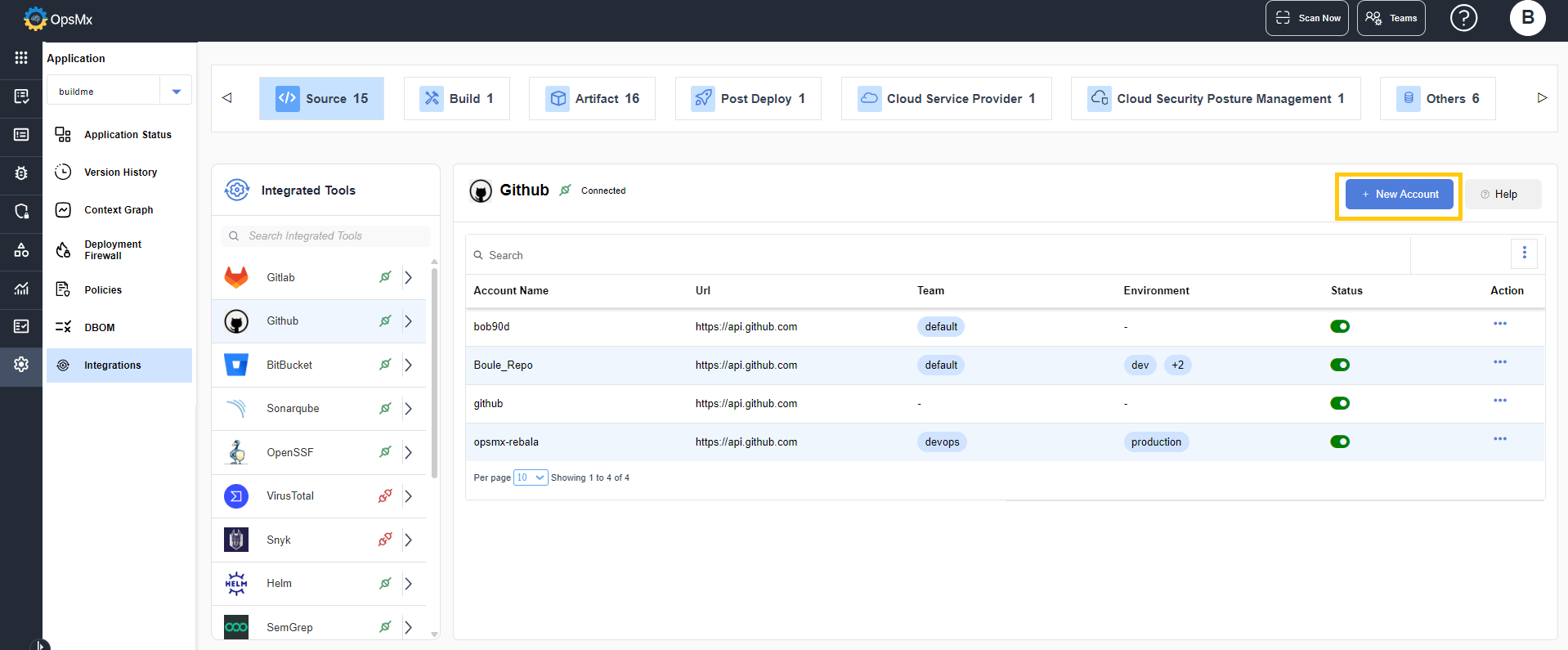
You can connect any tool by clicking **+ New Account**.
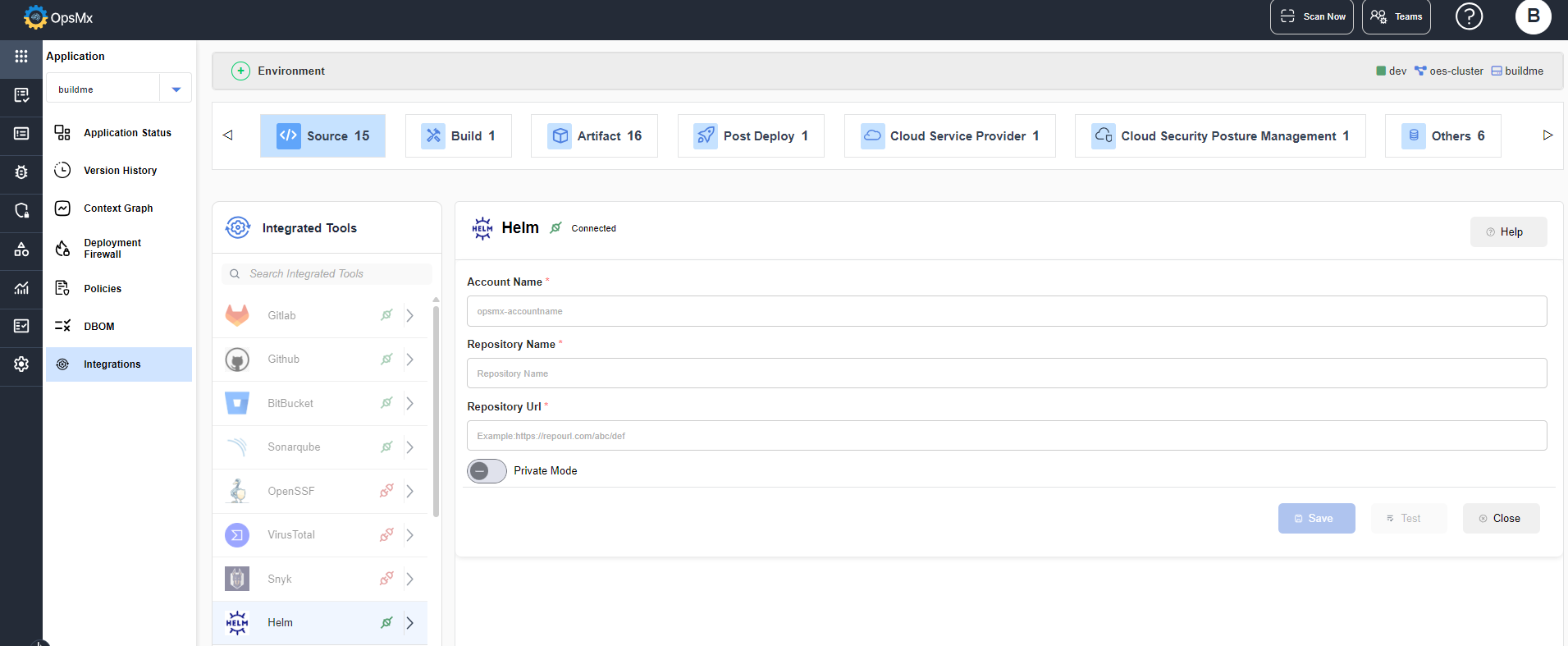
Enter the details for the required fields and click **Save**.
The tool gets connected to the application.