> For the complete documentation index, see [llms.txt](https://docs.opsmx.com/llms.txt). Markdown versions of documentation pages are available by appending `.md` to page URLs; this page is available as [Markdown](https://docs.opsmx.com/ssd/security-risk-and-prioritization/user-guide/view-security-posture/application-security-posture/deployment-firewall.md).
# Deployment Firewall
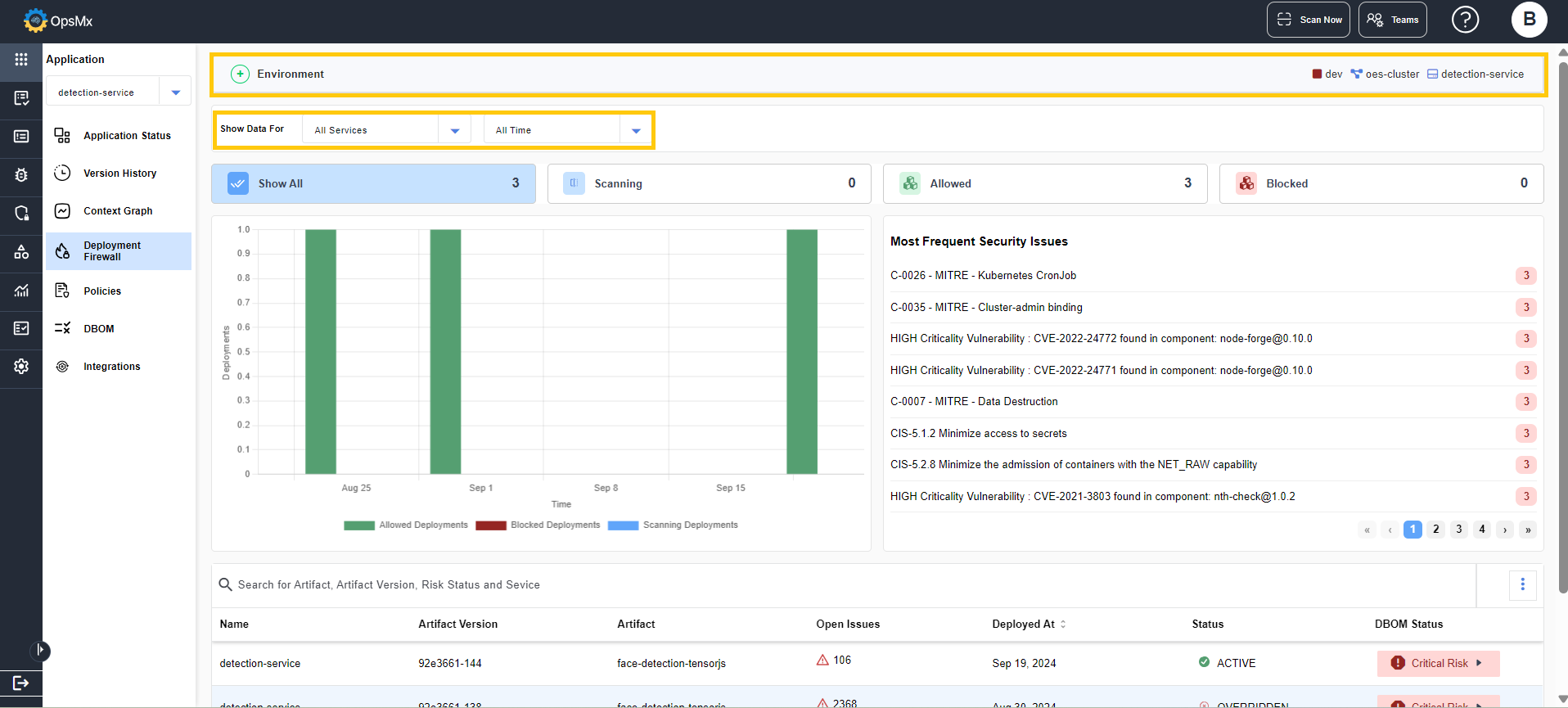
The Deployment Firewall page is a graphical representation of the deployments of the application. The page shows the deployment data for the selected service or all services of the selected application.
You can select the timeline and services for which you want the data to be displayed from the **Show Data For** dropdown.
The tabs below this show the count for **Scanning**, **Allowed** and **Blocked** deployments.
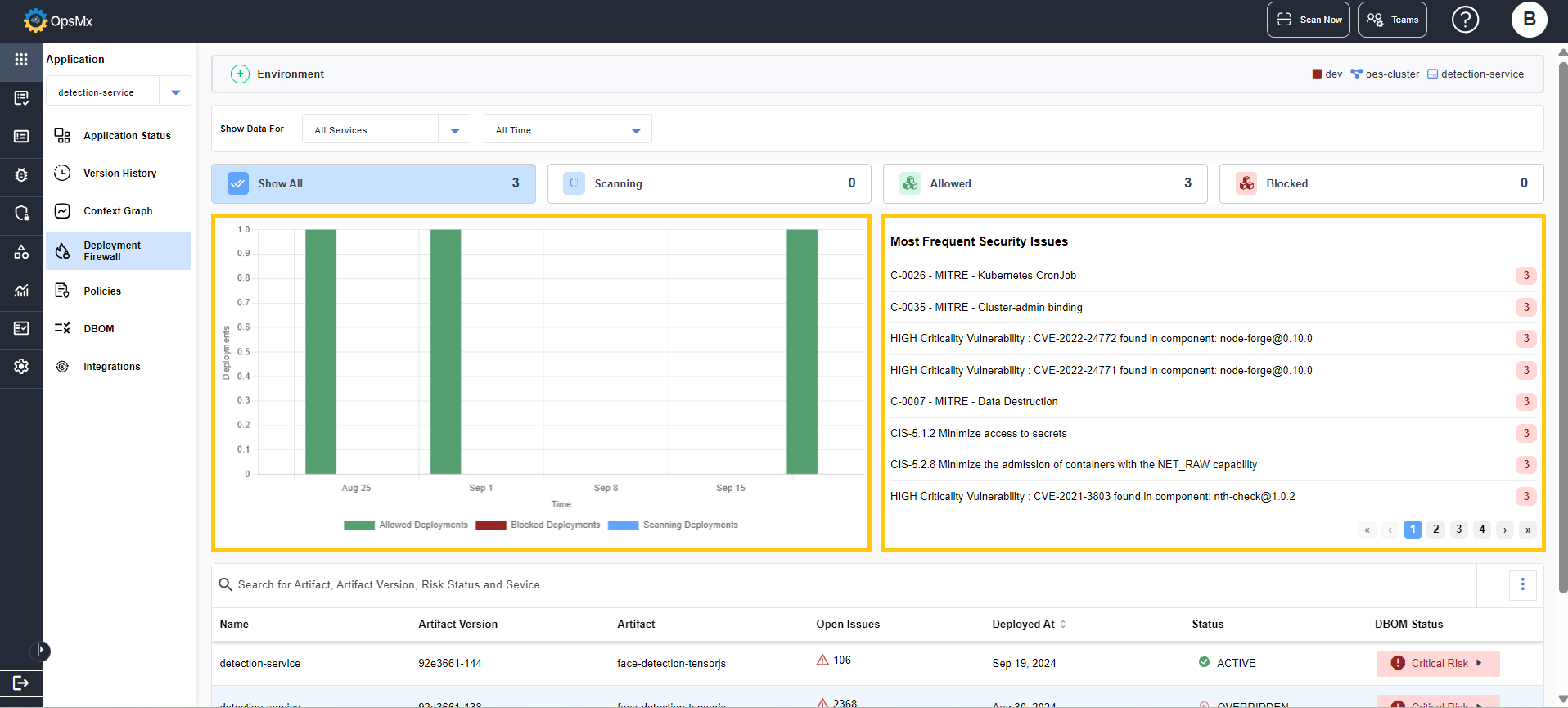
The panels below this show the graphical representation of the deployment data and most frequent security issues.
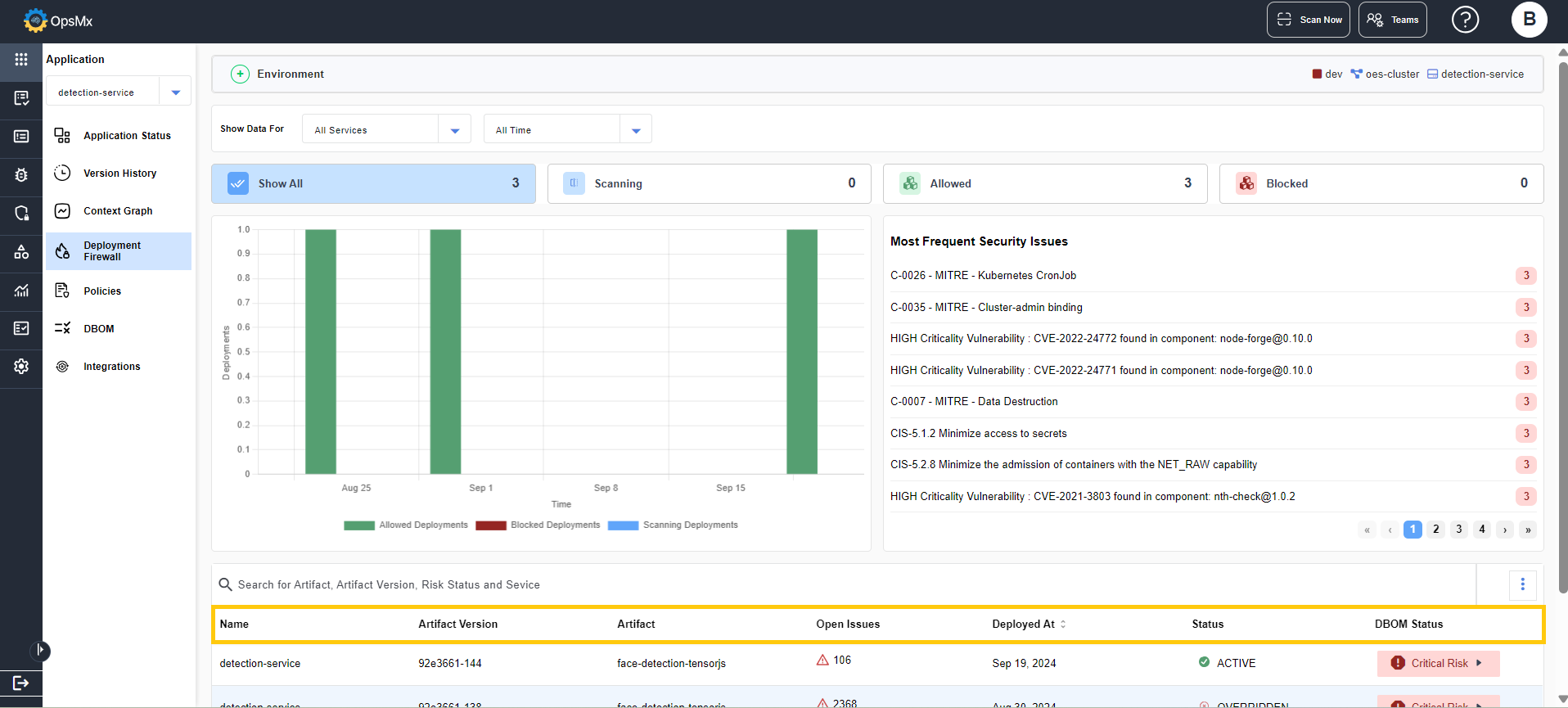
At the bottom, the services available for the application are displayed along with the details of it.
The Name, Artifact Version, Artifact, Open Issues, Deployed At time, Status and DBOM status of the services are displayed.